Samsung Gallery is replacing OneDrive integration with Google Photos, enabling seamless cloud photo management for users.
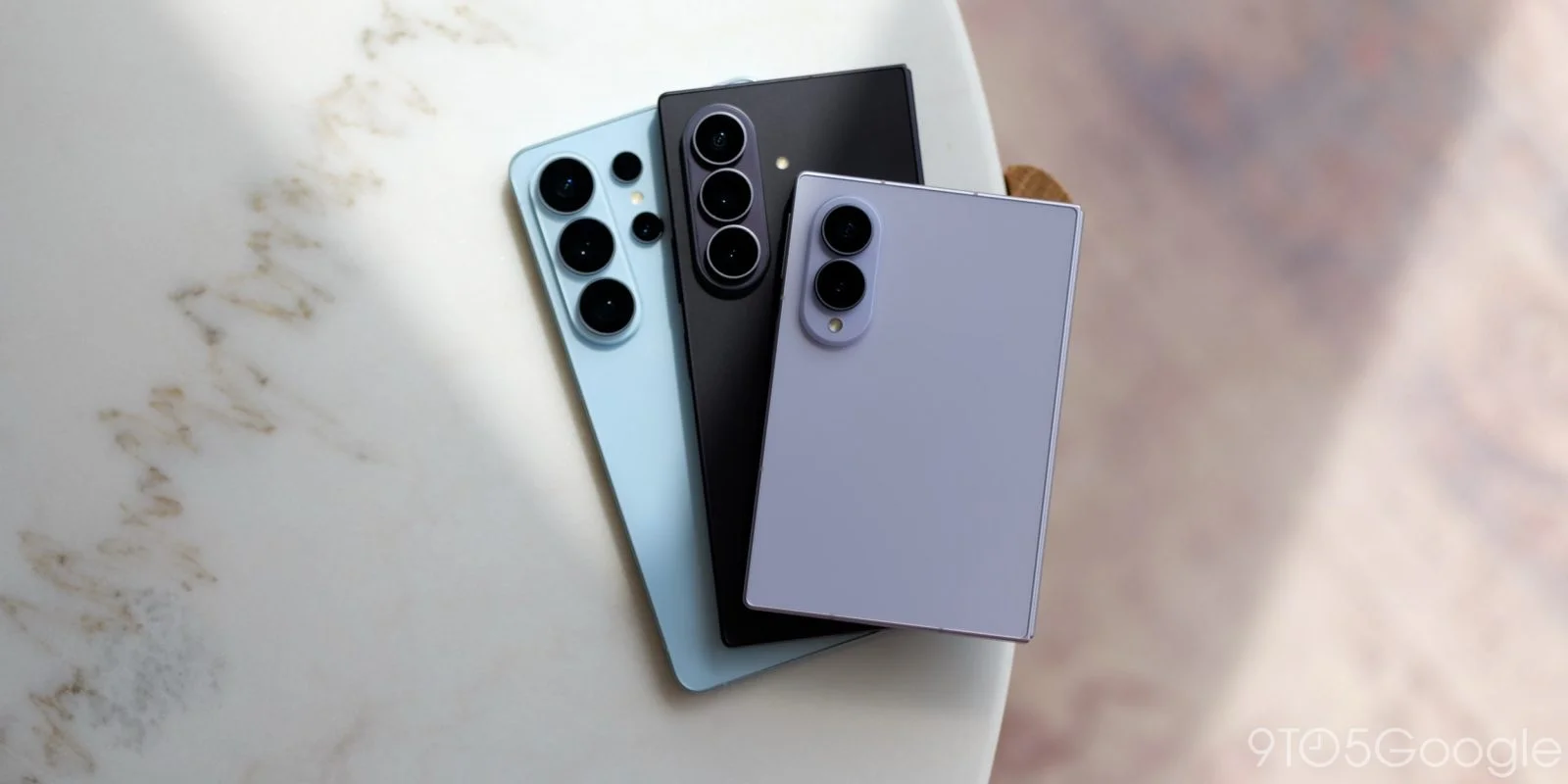
Samsung is enhancing its Gallery app by moving away from OneDrive and introducing support for Google Photos. This change is part of an updated “Gallery Cloud Sync” feature that is now rolling out, marking a significant strategic shift for the tech giant.
Earlier in the year, Samsung had cut its ties with OneDrive, which left Galaxy users without a built-in cloud backup option through the Gallery app. While alternative storage solutions from various providers were available, Samsung's native integration was missing. This shift likely stemmed from a rising competition in both the cloud storage and photo management spaces. Users accustomed to seamless cloud integration found themselves at a loss as the native option was pulled, prompting frustrations among a user base that seeks both convenience and reliability.
Google Photos Integration Details
The new integration allows users to back up their photos directly to Google Cloud, ensuring accessibility across devices. Samsung describes this service as providing effortless multi-device synchronization, enabling users to view their photos on any of their devices instantly. However, this raises questions about user experience and how truly seamless the integration will be. Samsung's bold pitch for functionality relies heavily on Google’s extensive ecosystem.
“Gallery Cloud Sync is a service that safely backs up your precious memories to Google Cloud, allowing you to enjoy them on all your devices at any time,” says Samsung.
- Easy and secure backup: Users can store their Gallery photos, videos, and albums in the cloud.
- Multi-device synchronization: Users will have their Gallery photos synchronized across all devices.
- Reliability of Google Cloud: The integration leverages Google’s trusted cloud infrastructure for fast and dependable storage.
Interestingly, while Samsung mentions “Google Cloud,” the integration reflects direct compatibility with Google Photos. That’s an important distinction. An early preview, shared by industry insiders, indicates features such as syncing options and available storage directly within the Gallery app. This kind of direct interaction with Google Photos isn’t just a technical adjustment. It signals a broader trend where device manufacturers might prioritize flexibility and user choice over proprietary solutions. (And this is the part most people overlook.)<\/p>
Current User Experience
To activate the new features, users will need to ensure both the “Gallery Cloud Sync” app and “Samsung Cloud” are updated. It's likely that a full Gallery app update or even a system-wide update will be necessary for full functionality. Many users might find this requirement cumbersome, particularly those less tech-savvy who simply want their photos backed up effortlessly.
This kind of Google Photos integration isn't novel; it had already been featured in other Android devices, including those from OnePlus and Xiaomi. However, Samsung's popularity means a significant number of users might experience this integration for the first time. Still, the fact that Google’s support page doesn’t yet reflect this new connectivity with Samsung devices could indicate that it’s still in a less formal stage of deployment. The discrepancy raises questions about how long it may take for the tech giant to iron out the kinks.
For current OneDrive users, Samsung has granted a temporary reprieve, permitting continued photo syncing until September 30. While this offers some short-term relief, transitioning to a new platform like Google Photos can be daunting for users who have invested time and energy in organizing their OneDrive gallery. The arrival of Google Photos integration looks like a promising solution for users seeking a built-in backup option, but it also poses challenges related to user adoption and understanding the nuances between the two services.
Other Samsung News
- Samsung has launched the ‘Re-Newed’ Galaxy S26 series, starting at $1,099 for the Ultra model.
- The Galaxy Z Fold 8 is available for $1,599, including a complimentary Galaxy Watch.
- Samsung's latest ad humorously addresses the drama of switching from iPhone to Android.
Implications and Future Outlook
The transition from OneDrive to Google Photos represents more than just a change in cloud storage. Samsung's move hints at a strategic realignment in response to user preferences and cloud service capabilities. It’s almost like a bellwether for how tech companies need to respond to an increasingly discerning and varied customer base. If you’re working in this space, it’s essential to keep an eye on how these shifts influence user engagement and brand loyalty.
This integration also sets the stage for potential developments in both Samsung’s and Google’s product offerings. Should users embrace this tool and find genuine value in its features, we might see further collaborations that enhance the user experience across devices. Yet there’s always that lingering question: will it be enough? Users are far less tolerant of missteps, especially when so many alternatives exist. Samsung has a lot to prove here in terms of performance stability and user satisfaction, or it risks alienating a segment of its customer base eager for dependable cloud solutions.
Discussion
Sign in to join the discussion.