Gemini's macOS update adds iMessage integration, allowing users to read, send, and search messages from within the app for better productivity.
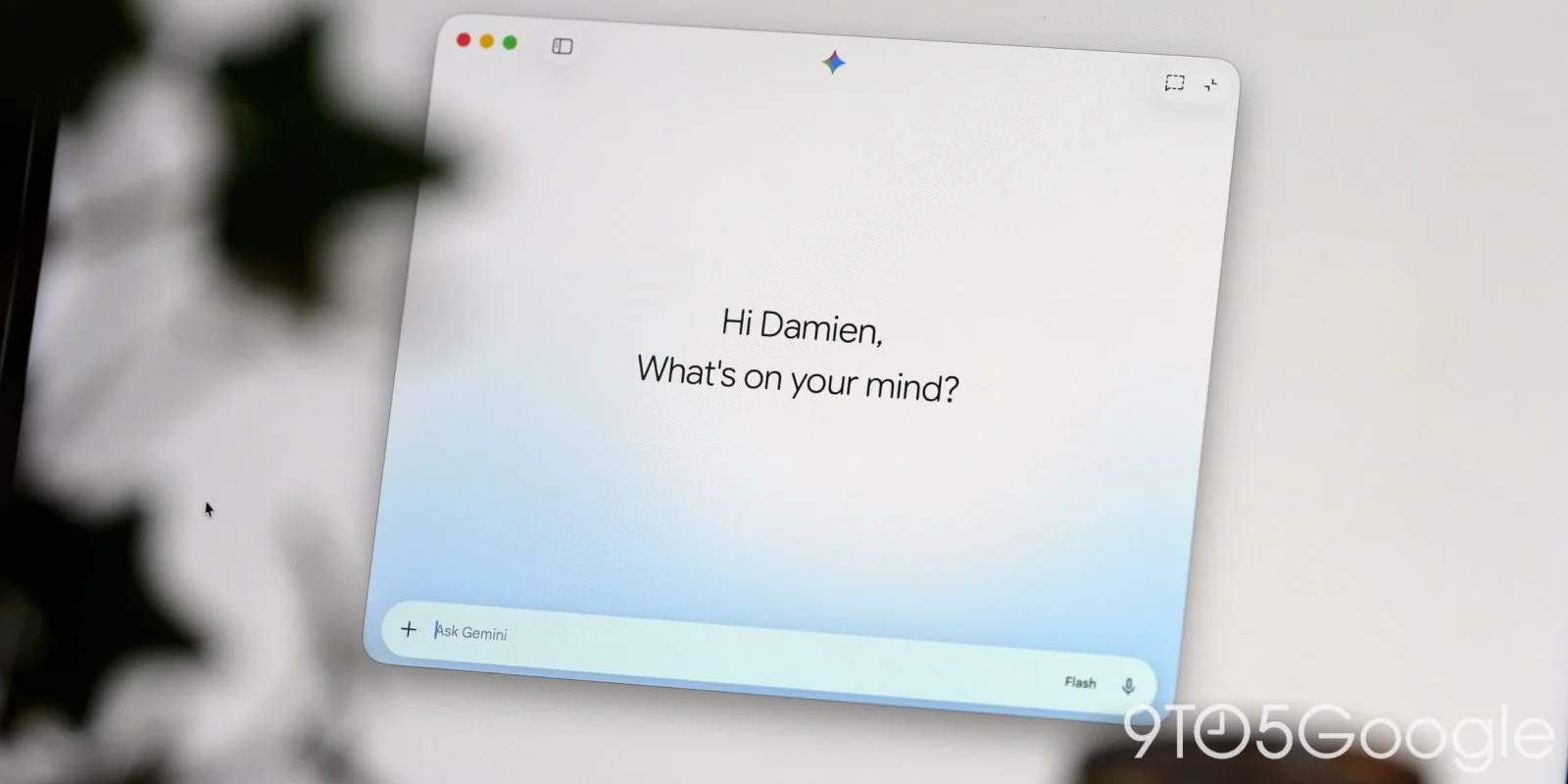
Google has updated its Gemini app for macOS to feature local iMessage integration, enhancing user experience following its Windows launch. The new functionality allows Gemini users to interact with Apple Messages directly, specifically through the @messages Connected App.
Understanding the iMessage Integration
With this integration, Google aims to bridge the gap between its Gemini app and Apple's popular iMessage platform. This is part of a broader strategy to make Gemini a staple for users across different operating systems, especially given the growing reliance on messaging apps for both personal and professional communication. The ability to interact with iMessage natively positions Gemini as a versatile tool in the increasingly competitive landscape of productivity applications.
Key Features of iMessage Integration
This integration streamlines messaging tasks by enabling users to:
- Send messages to any contact or phone number.
- Access recent conversations, check unread messages, and search through message history.
Each feature enhances the user experience in distinct ways. For instance, the ability to send messages directly from Gemini makes it easier for users to communicate without switching apps, thus reducing friction in their workflow. Moreover, access to recent conversations and unread messages ensures that users remain informed, with the necessary context at their fingertips. Users can easily find pertinent information in their conversations, which can be particularly beneficial in professional settings. Sample commands might include:
- “Send a message to John: ‘Running 5 minutes late!’”
- “Show my recent messages from Sarah.”
- “Search Messages for dinner reservations.”
What’s compelling here is the conversational approach this integration supports. Users can issue commands in a natural language format, making the interaction feel more intuitive. This shift towards more user-friendly interfaces reflects a broader trend within the tech sphere, where simplicity reigns supreme.
Limitations of the Integration
However, the iMessage functionality does come with certain constraints. Currently, users cannot:
- Manage group chat participants or alter group photo settings.
- Schedule future messages or edit those that have already been sent.
- Attach files, images, or media (only plain text messages are supported).
- Send tapback reactions like love, dislike, or laugh.
- Generate images within automated workflows.
The absence of these features raises questions regarding the overall utility of the integration. When most modern messaging apps include rich media capabilities, the lack of support for attachments and reactions seems like a notable oversight. Users accustomed to a comprehensive messaging experience might find themselves limited when relying solely on the Gemini app.
This restriction becomes particularly relevant for users managing group communications, where the ability to alter participant settings or convey emotional responses is often essential. As messaging evolves to accommodate more interactive features, the limitations of Gemini's current offering could marginalize it among heavier users who demand full-fledged capabilities.
Accessing the New Features
This iMessage integration appears within the Settings > Connected Apps section of Gemini, accessible after updating to version 1.116.5.889. However, as of a recent check, the expected @messages functionality seems temporarily unavailable for direct input in the prompt box.
The access mechanism is relatively straightforward, but the temporary unavailability of the @messages feature highlights a concern around the reliability of these updates. Users often expect seamless transitions when new features are rolled out, and any hiccup in availability can lead to frustration. Additionally, having to navigate through settings to enable features might not be intuitive for all users. Such practicality issues can affect user adoption rates and overall satisfaction.
Beyond messaging updates, recent changes to Gemini also introduced a File Providers extension, allowing users to add files quickly to Gemini by right-clicking in Finder. This feature can be activated through Settings > Extensions. The app's side panel has also been updated with sections for Images, Videos, and Daily Briefing.
Future Implications and Significance
The integration of iMessage capabilities into Gemini holds promising implications, but it also lays bare some challenging dynamics. Google is clearly attempting to carve out a significant role in the messaging application space with this integration. However, the limitations currently in play underscore a risky proposition for users in need of comprehensive messaging solutions. If you're working in this space, you shouldn't underestimate the importance of features that cater to complex communication needs.
For users and professionals, the mixed nature of this integration presents a cautionary tale. While it offers opportunities for improved efficiency, the unsophisticated messaging options could limit Gemini's appeal. It appears that for Google to make its mark in this highly competitive arena, future enhancements will need to address these shortcomings more aggressively. And this is the part most people overlook: just adding features isn’t enough. It requires depth, functionality, and user-centric design to truly stand out.
Discussion
Sign in to join the discussion.