Explore key features of Google System Updates, focusing on device connectivity, app management, and gradual rollout implications for users and developers.
Understanding Google System Updates
The bi-monthly “
Google System Release Notes” are critical for identifying enhancements within Google Play services, the Play Store, and system updates across various Android devices. This includes phones, tablets, Wear OS, Google TV, and even PCs. While these updates often roll out features that impact end users directly, many are primarily targeted at developers, addressing their specific needs in a rapidly changing tech environment.
This dual focus on both ends of the user spectrum reflects Google’s understanding of its ecosystem. End users want intuitive features and security enhancements, while developers seek tools that enable them to create seamless applications. As such, these release notes are not just dry documentation; they represent a significant communication bridge between Google and both user groups.
The Core of Google’s App Ecosystem
Let’s break down the composition of the so-called “Google System.” This nomenclature encompasses various essential apps and services, each serving a unique role in the ecosystem. For instance,
Adaptive Connectivity Services dynamically manages network connections, enhancing user experience by improving connectivity without manual input. At the same time,
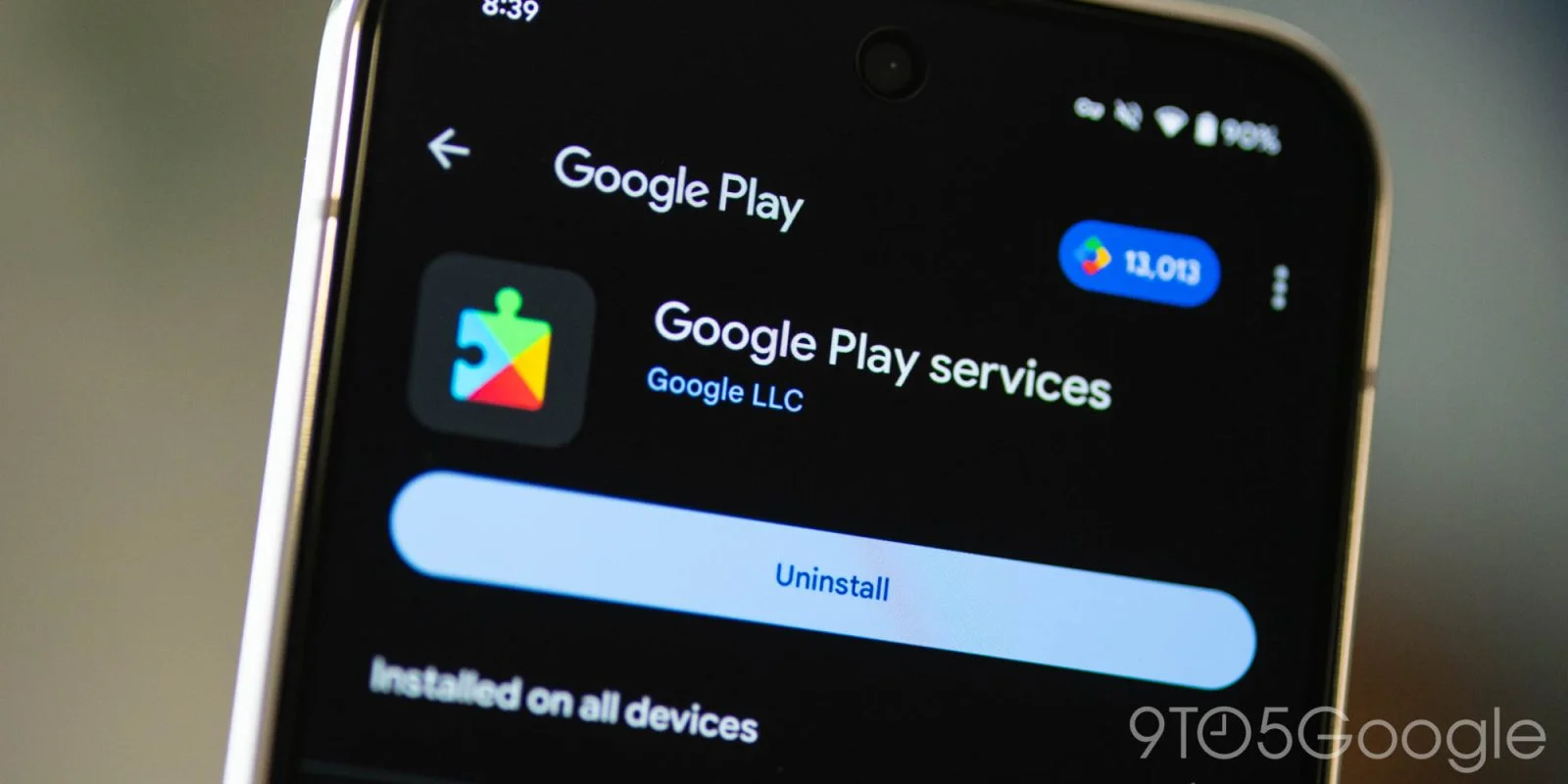
Google Play Services is the backbone of interactions among applications on your device, enabling them to communicate effectively and share data.
Here's a snapshot of pivotal apps that fall under this system:
- **Android System Intelligence**: This service is crucial for performance enhancements and optimization, allowing devices to operate more efficiently. You can access its details through the app info section.
- **Device Health Services**: A vital component for monitoring device condition and performance, helping users keep their devices running smoothly over time. This is also available via app info, showcasing Google's emphasis on user experience.
- **Google Play Protect Service**: An indispensable security service that regularly scans apps for vulnerabilities and potential threats, safeguarding users against malicious software.
- **SIM Manager**: This tool assists users in managing carrier settings and profiles, providing a smoother experience when switching carriers or troubleshooting connectivity issues.
If you want to check for updates or new features, navigate to the Settings app, tap on your name for “Google services” (especially on Pixel devices), and explore the “All services” tab under Privacy & Security. This access point reveals how Google is prioritizing transparency and usability for its users.
Feature Availability: A Gradual Rollout
One key point of caution: just because a feature appears in the changelog doesn’t guarantee immediate availability for all users. Google often opts for a slow, staged rollout, meaning that features may take weeks, or even months, to reach everyone. This gradual approach allows Google to manage any potential issues that could arise from widespread implementation while gathering user feedback for improvements.
In practice, this means users often find themselves waiting impatiently for features that others may experience right away. If you're working in this space, you might grow frustrated with how updates don’t hit simultaneously. The anxiety of wanting all the shiny new tools while many are left out highlights a broader issue of accessibility in tech releases.
Recent Updates - A Glimpse at New Features
Looking at specific updates, for example, Google Play services v26.34 raised the bar across several categories when it was released on August 31, 2026. These updates included:
- **Account Management**: The introduction of simplified supervision setups for parents and teens is significant. It reflects shifting cultural values towards more responsible tech usage and oversight.
- **Developer Services**: New tools tailored for app developers emerged, particularly focused on enhancing Maps-related functionalities. This aligns with the increasing integration of location services in apps, a trend that positions these tools as indispensable for modern mobile experiences.
- **Device Connectivity**: Perhaps most notably, improvements in file access between phones and laptops make integration smoother for users who work across multiple devices. This feature speaks to a growing desire for seamless operation among users who rely on a variety of devices daily.
These updates, coupled with bug fixes and performance improvements, underscore Google's ongoing commitment to creating a more interconnected experience across its services and devices. It’s more significant than it looks; these changes indicate a strategic alignment with current tech needs.
Implications and Future Outlook
The long-term implications of these system updates stretch beyond user satisfaction; they impact the entire tech ecosystem. As Google emphasizes interconnected experiences, other companies need to keep pace. They’ll face pressure to enhance their offerings or risk falling behind.
This focus on integration suggests Google is staking its claim as a facilitator of a multi-device operational flow—something increasingly critical in professional and personal environments alike. Expect to see competitors responding, potentially leading to a wave of new features designed to bridge gaps between devices.
Yet, challenges remain. The dilution of quality control due to gradual rollouts can frustrate users eager for every new feature. Furthermore, while these updates may bolster Google’s ecosystem, too much emphasis on integration can lead to a lack of focus on individual apps or services, making users wonder if they’re being overlooked in favor of technological unity.
What this means for you, the end user or developer, is that there’s both promise and caution here. Keep an eye on future updates; the next rollout could introduce features that fundamentally alter how you engage with your devices—if you can access them in time.
Discussion
Sign in to join the discussion.