Google's Pixel 11 enhances search capabilities, unifying access to personal information, but misses the mark by not being the default search option.
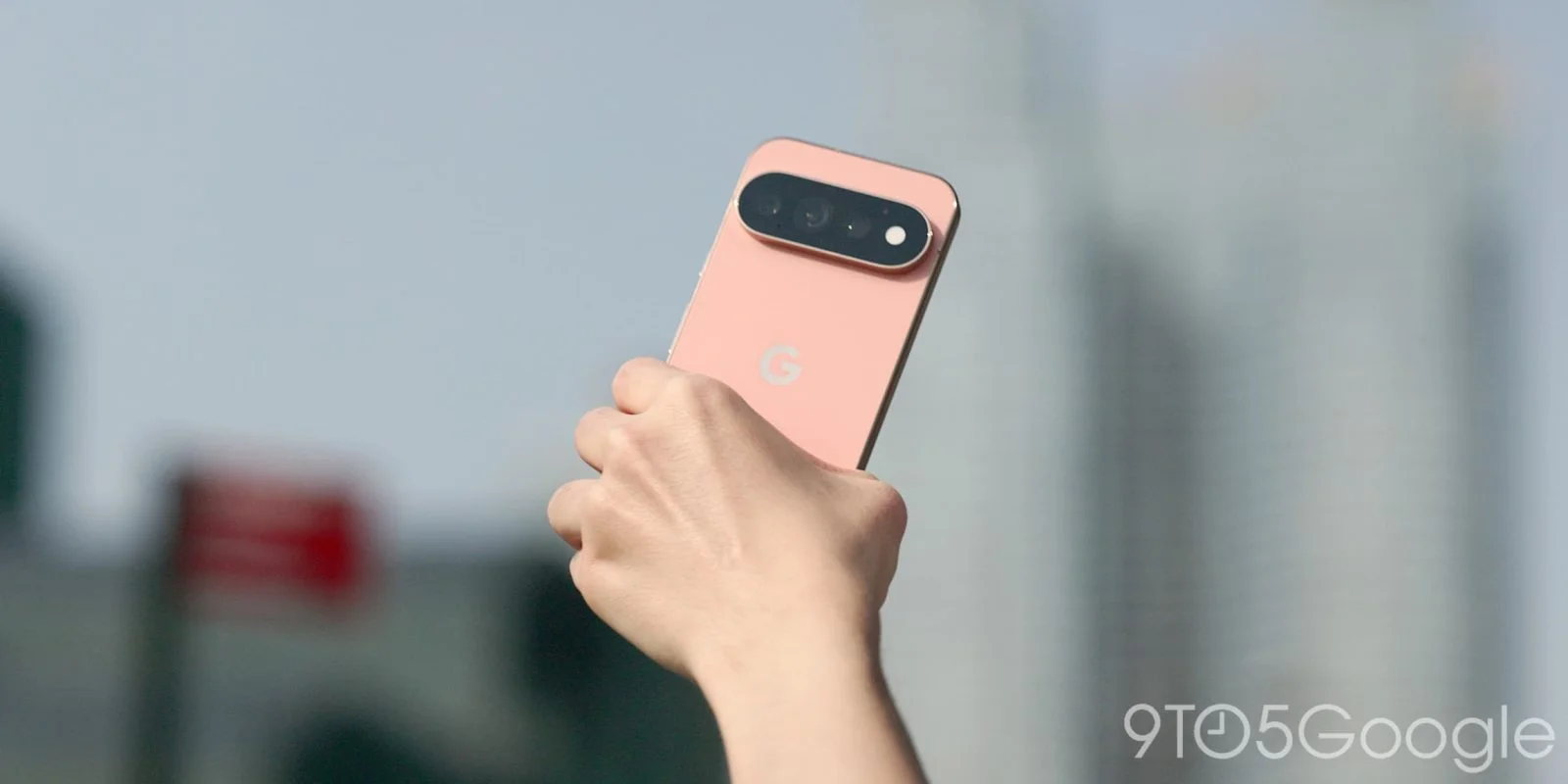
Google's Pixel 11 is set to refine how users access their information with the introduction of "Pixel search," a tool designed to streamline the search experience. This feature aims to quickly retrieve everything from apps to files stored on Google Drive, allowing users to gather their essential data through a single search bar. The Pixel brand has always been about delivering a smooth user experience, and Pixel search seems to be an extension of that ethos, particularly for those who rely heavily on Google’s suite of services.
Understanding Pixel Search's Design and Feature Set
With Pixel search, users can find Calendar events, documents, emails, photos, and messages all in one place. This unified approach is aimed at making personal data retrieval faster and more intuitive.
There's a clear transition here from simply having a search function to a more holistic tool for searching across Google's ecosystem. Google has long emphasized integration, and this search tool reflects that by flattening the access points users have to various forms of data. The emphasis on a clean, collective user experience can ease frustration, especially for those who juggle multiple applications and files daily. Imagine looking for a photo from last weekend’s outing. With Pixel search, you can pull it up in seconds along with the relevant messages and calendar events — all through one search query.
However, only time will tell if this integration hits the mark for users. Searching across platforms is powerful on paper, but does it translate effectively in practice? User interfaces must not only be functional but also intuitive. If routine tasks become cumbersome, their intended benefits can be lost and users may revert to older habits that are less streamlined.
User Experience: Accessibility and Usability Challenges
However, there's a catch: this search functionality isn’t front and center. Instead, it’s tucked away in the Pixel Launcher app grid, rather than occupying the traditional place at the bottom of the homescreen, which can make it easy to overlook. This design choice is puzzling given the emphasis on the tool’s potential. Users are unlikely to seek out an advanced feature that requires more navigation rather than offering straightforward access. This design quirk seems counterintuitive for a feature meant to enhance efficiency and ease.
Previously, the Pixel Launcher search incorporated links to the Clock, Contacts, Pixel Tips, Play Store, Settings, and Wallet. In contrast, Pixel 11 broadens its reach to include even more features such as Calendar, Drive, Files by Google, Gmail, Messages, Photos, and Pixel Screenshots, allowing users with multiple accounts to customize their Google Drive and Gmail settings for easier access. This expanded functionality indicates Google’s intention to cater to both individual and professional users, potentially attracting a wider audience.
Speed and Compatibility: The Search Experience
When you search using this tool, the results appear almost instantly, displaying a mix of Calendar events, Drive documents, emails, images, and even chat threads from Google Messages. Speed is a significant consideration—users won’t tolerate lag time in what is meant to be an instant retrieval service. The integration of various data points into a single search feels modern and mimics behaviors we see across popular searching paradigms, including those on desktops and even voice-activated systems.
While the transition improves access to apps and their shortcuts, they now show up more prominently. There's also newfound compatibility with work profiles, enhancing the search's utility. For professionals, this compatibility could expand the ways they manage their time and tasks, allowing them to toggle between personal and work-related data seamlessly. But here’s the thing: this flexibility won't mean much if users have to jump through hoops to access it.
Pitfalls of Default Settings and Workarounds
Despite these enhancements, the utility of Pixel search is hindered by its not being the default search option on the homescreen, with the AI Mode (the Google app) currently assigned that role. This shift seems aimed at providing consistency across Android devices but ultimately diminishes the usability of Pixel search for many users. It’s perplexing that a feature designed for enhanced accessibility is relegated to a secondary position. Most users start their digital interactions at the homescreen, and not placing Pixel search there means it risks falling into obscurity.
A workaround can be implemented by setting the Pixel Launcher to open the keyboard automatically when swiping up from the homescreen, making it easier to access the new search feature. But… shouldn’t better functionality come without needing workarounds? This added complexity detracts from the streamlined experience Google is purporting to deliver.
Implications and Future Outlook
In summary, while Pixel search presents a strong case for a unified information retrieval system, its effective use still requires overcoming some usability hurdles. If you're working in this space, consider the broader implications of design choices that prioritize aesthetics or branding consistency over immediate usability. The strength of a feature lies not just in its capabilities but also in its accessibility. The decisions made here could influence how users perceive Google's commitment to user experience.
As the tech world watches, the reaction from users will be the true measure of success. Are they embracing Pixel search, or are they simply managing their frustration while they search through their devices? This is a litmus test not just for Google’s product design but for its understanding of user behavior in an increasingly information-saturated world. This could set the trajectory for future updates or products. What’s clear is that the stakes are high.
Discussion
Sign in to join the discussion.