A new app allows users to customize the Pixel 11 Pro's HiLight feature extensively, enhancing its utility beyond Google's limitations.
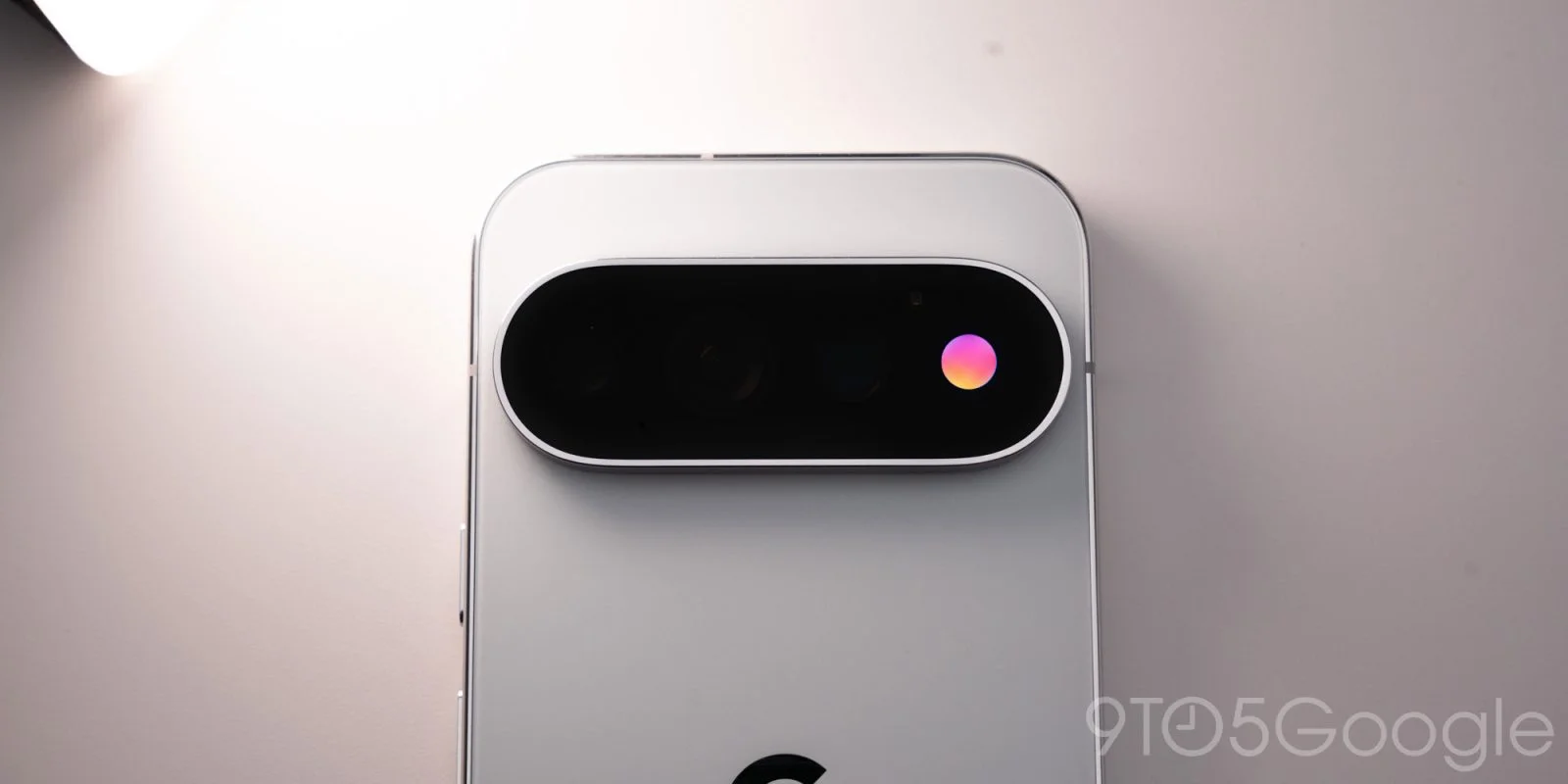
Google's Pixel 11 Pro features a hardware element known as HiLight, originally designed to be rather limited in functionality. However, the community has stepped in where Google fell short: a developer has successfully taken control of the HiLight LED, transforming it into a versatile notification tool.
Understanding HiLight's Origins
The HiLight feature was introduced with the Pixel 11 Pro, but many users quickly found its initial capabilities quite lacking. Google restricted it primarily to basic notification functions—specifically for calls and status alerts related to the Gemini application. This wasn't necessarily a surprise; tech companies often roll out features that they believe will innovate user experience, but we see time and again that they can fall short of expectations. The limited support and customization options for HiLight left a gap that users were eager to fill.
In many ways, Google's decision to launch HiLight with such limited functionality reflects a larger trend in tech: companies sometimes prioritize getting their products on the market over ensuring full-fledged feature sets. This approach can lead to disappointment among early adopters who expect features that match the hype. HiLight’s lukewarm initial reception seems to exemplify this recurring conundrum. But where products stumble, the community often rises to the occasion.
HiLight Studio: A Community-Driven Solution
David Imel from The Verge highlighted this development by @Dhananjay_Tech, who created an app named “HiLight Studio.” This application provides users the ability to customize the Pixel 11 Pro’s RGB light in ways that Google never intended, such as enabling a more personalized notification experience. The advent of HiLight Studio encapsulates how the tech community often fills in the gaps left by larger corporations. When Google fell short, developer Dhananjay_Tech stepped up to deliver functionality that users were clamoring for.
HiLight Studio allows users to define custom notification patterns and colors tailored to specific applications. This level of personalization—enabling one to refine how notifications appear based on their preferences—is increasingly desired in a world where digital communication is nearly ubiquitous. As users craft and share presets, they effectively democratize what was initially a constrained feature. There's something satisfying about being part of that process, where the user community positively influences the tool's utility.
Challenges in Installation
That said, using HiLight Studio isn’t without its obstacles. Setting it up requires more than a simple download and installation. Users must sideload the app from GitHub, involving a series of steps that can be disorienting for the average smartphone user. Tools like Shizuku and ADB need to be utilized, which often means diving into unfamiliar territory. The complexity of this installation process, combined with the necessity to reactivate the app after each device reboot, raises eyebrows. You have to wonder why a company like Google wouldn’t simplify this experience, given its potential appeal to a wide audience.
Moreover, the hurdle of the advanced permissions required for the app brings added risk. With any form of sideloading, users run the risk of exposing themselves to security vulnerabilities. And considering that many smartphone users may not fully understand the implications of granting these permissions, caution is warranted. This technical barrier leads to an uncomfortable reality: while the app can enhance experience, not everyone will be willing—or able—to unlock its full potential. It’s a classic tale of user empowerment battling corporate oversight.
User Interest and Reactions
It's noteworthy that this workaround was discovered almost immediately after the device's release, hinting at significant user interest in harnessing these capabilities directly through the operating system as Google intended. Early engagement with the feature demonstrates that users are willing to explore their devices beyond the confines of official offerings, especially when they feel an existing feature is underwhelming. There's a sense of community here; users want to innovate, customize, and make their devices feel personal rather than merely functional.
While excitement surrounds this workaround, some skepticism remains. Users may be enthusiastic, but they must proceed with caution. Balancing the desire for enhanced customization against the potential for security risks is a precarious act. For tech enthusiasts in particular, this represents not just a fun project but a way to demonstrate the shortcomings of large tech companies and their reluctance to embrace full user empowerment from the start.
Implications for Future Features
What does this mean for future offerings from tech giants like Google? The quick developer response shows there's an appetite for customization that companies often overlook. If you're working in this space, it's clear that the market punishes half-hearted features and calls for something more immersive and user-focused. Google's experience with the HiLight feature could serve as a wake-up call, prompting them to either invest more in user-driven features or risk ceding ground to developers willing to fill the void.
The HiLight saga is also a slick illustration of how user-generated content and improvements can lead to a product's revival. The door that these developers have opened could inspire others to push back against corporate limitations. And let's be honest, that’s the dynamic that often fuels true innovation in the tech sector.
Discussion
Sign in to join the discussion.