The Pixel 11 Pro introduces a "Device Help" feature in the Gemini app, offering tailored support and troubleshooting for users.
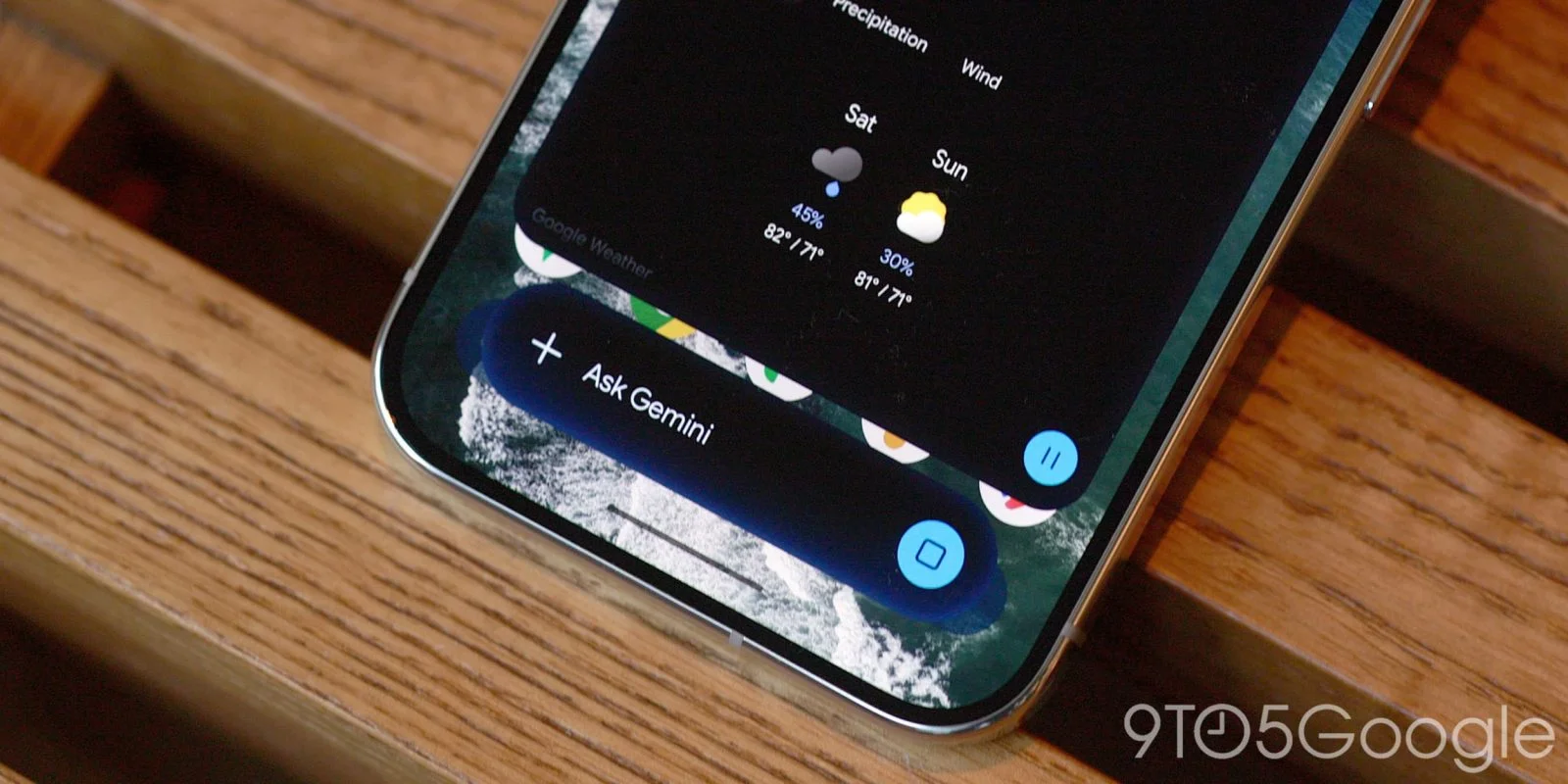
Enhanced Support with "Device Help"
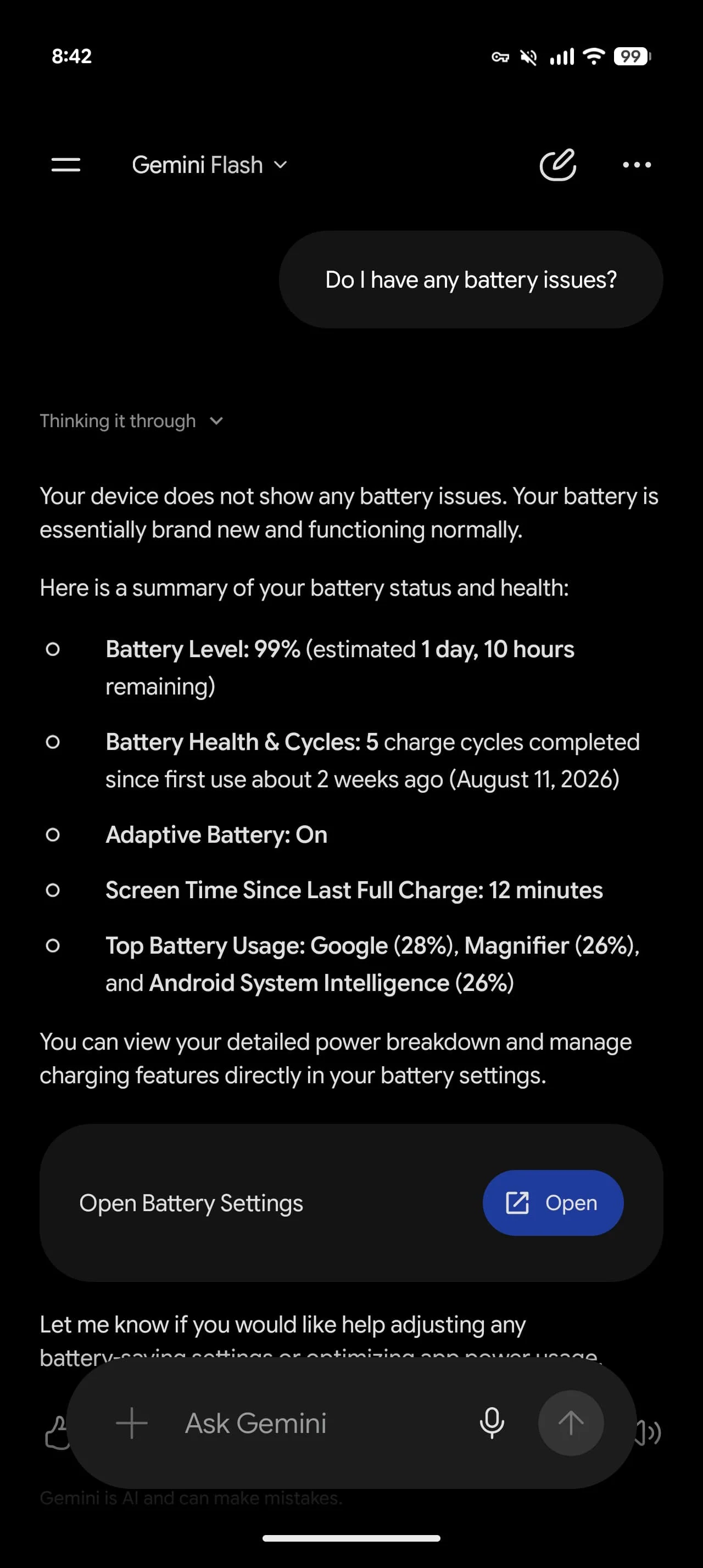
Google recently launched a new feature within the Gemini app named "Device Help" for its flagship Pixel 11 Pro. This tool is designed to provide personalized guidance and troubleshooting assistance for users, reflecting Google's ongoing ambition to enhance user experience through supportive technology. As smartphone functionality continues to expand, users expect not just high-quality devices, but also intuitive, effective support mechanisms to navigate potential challenges.
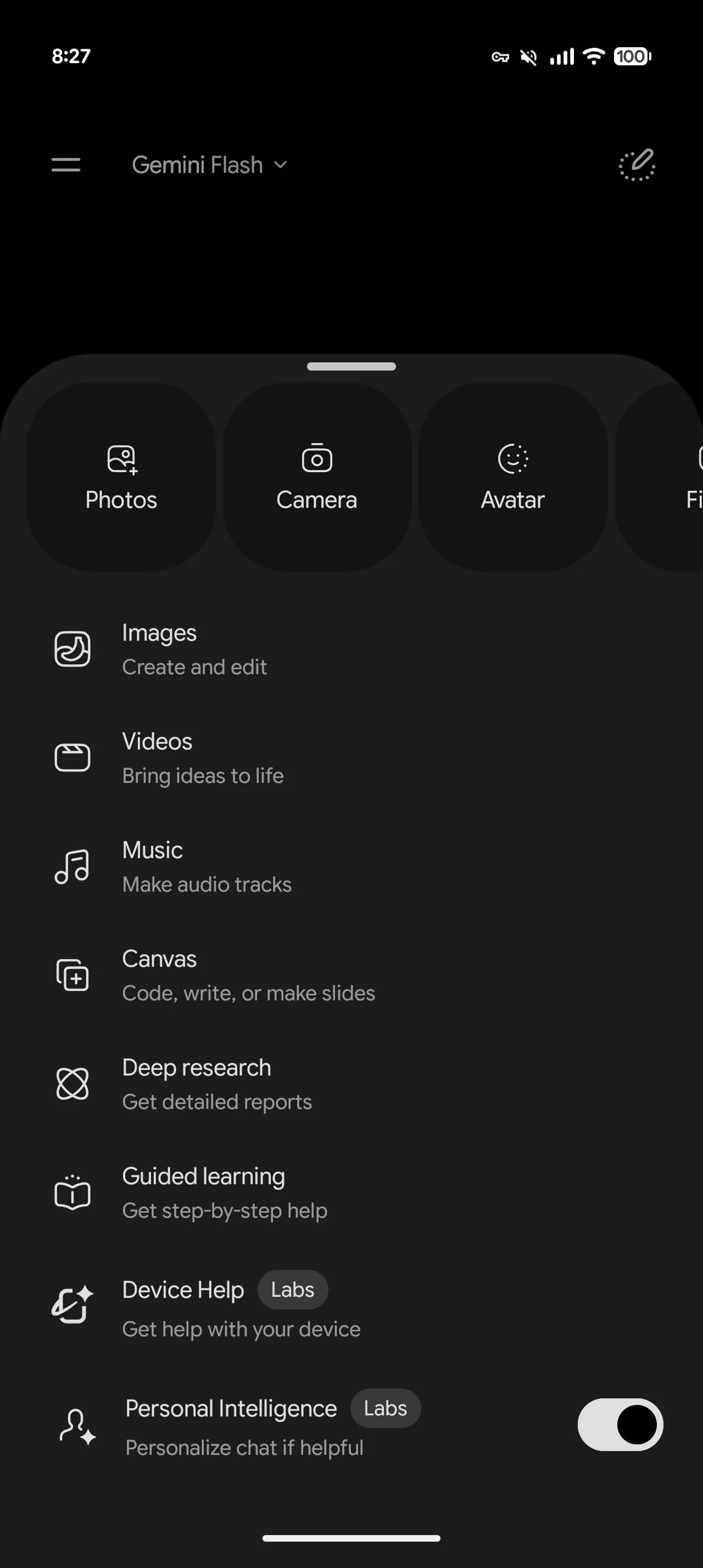
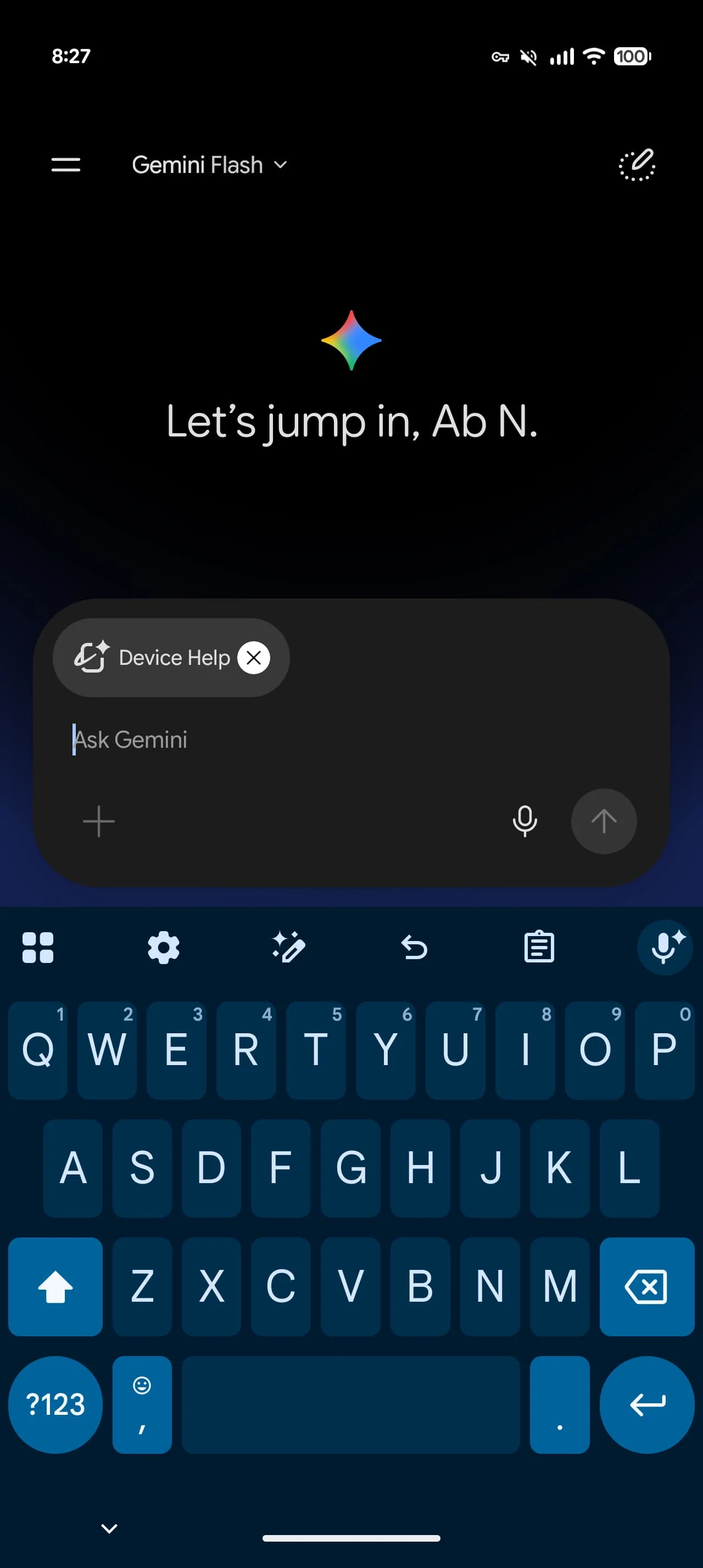
This feature can be easily accessed from the ‘plus’ menu within the Gemini app or through an overlay interface designed for user interaction. This emphasis on accessibility aligns with Google's strategy to create a more user-friendly environment where help is just a tap away. However, the real question is whether this ease of access translates into real assistance or continued user frustration with unresolved issues.
Features of the Device Help Tool
Marked with a “Labs” label and bearing an icon similar to Proactive Assistance, the "Device Help" option brings an array of functionalities that go beyond basic troubleshooting. These features reflect the company's acknowledgment of the diverse challenges modern users face with their devices. Take a look:
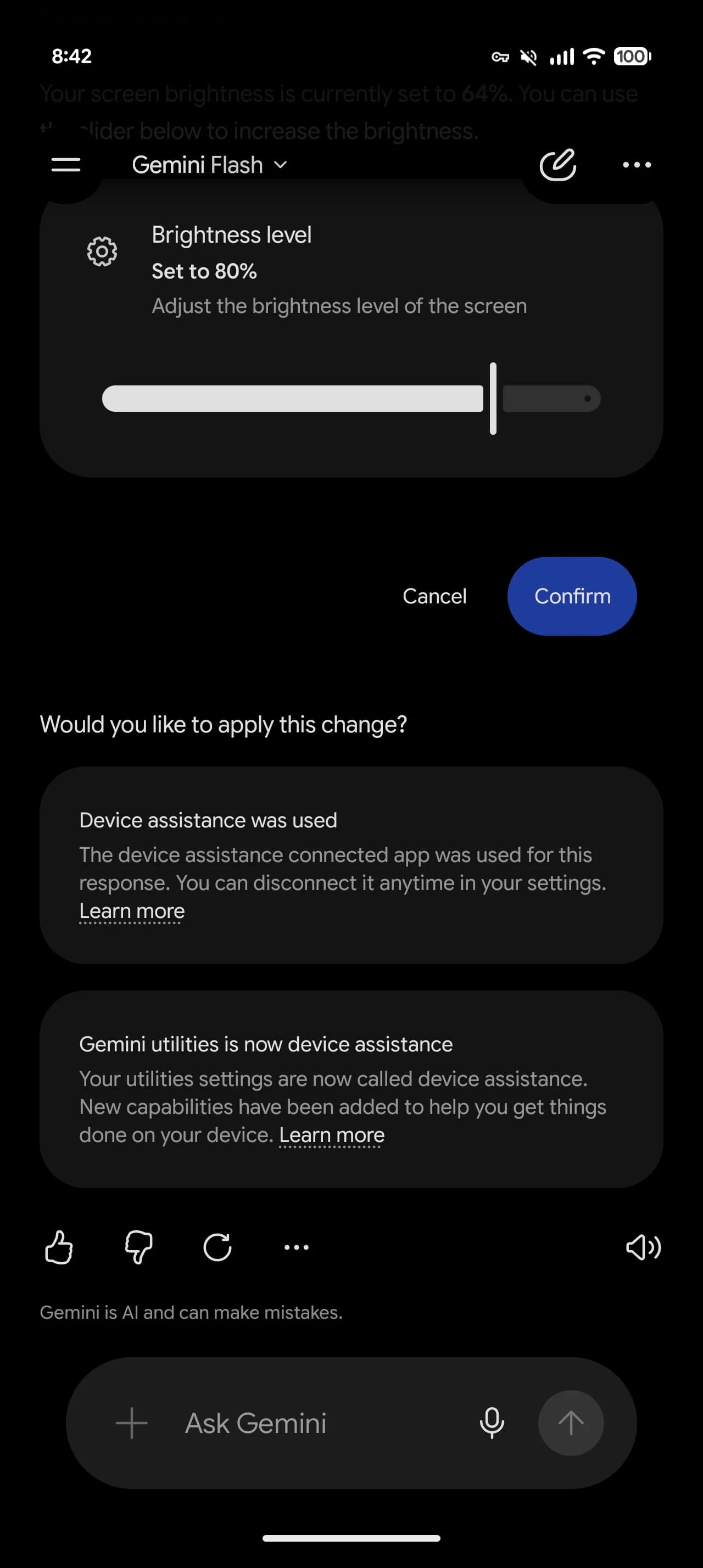
- Adjust & Customize Settings: This feature allows users to modify display settings, sound profiles, vibrations, and other essential elements like Digital Wellbeing, which promotes a balanced phone usage.
- Troubleshoot Issues: Users can identify and fix typical connectivity and performance issues linked to Wi-Fi, Bluetooth, battery, and various apps. This could save many users from the hassle of searching online for solutions that might be outdated or irrelevant.
- Manage Battery & Storage: This aspect provides insights into battery consumption and storage metrics, offering tips to enhance the device's performance. A focus on battery and storage is more than just a convenience; it addresses common user complaints that plague smartphones today.
- Review Apps & Permissions: Users can oversee app permissions and notifications, aiding in both privacy management and operational efficiency. Given the growing concern over data privacy, this tool can empower users to take control of their device's security.
- Learn Device Features: It offers a step-by-step guide to accessing various device features, gestures, and privacy settings, bridging the gap between user and technology.
This tool enhances the existing “Device Assistance” feature within the app and appears to build on a previous framework known as “Utilities.” Users who’ve engaged with that prior model may find familiar elements; however, they’ll likely be looking for tangible improvements based on feedback. The integration and evolution of assistance features indicate an adaptive design philosophy, though some might feel it's a missed opportunity to completely overhaul an area in need of innovation.
Device Availability and Updates
At present, the "Device Help" functionality is exclusively available for Pixel 11 Pro devices operating on the Google app beta version 17.52. Interestingly, other models, including the base Pixel 11, lack access to this feature, illustrating a carefully orchestrated rollout strategy from Google. This pattern often creates frustration among users who feel left out from notable updates; the tech giant runs the risk of alienating some of its base while eager adopters enjoy early access.
Implications and Future Outlook
The introduction of "Device Help" aligns with a broader trend among tech companies: enhancing user support directly within devices. As users become more tech-savvy, they expect not only top-notch performance but thorough support tailored to their needs. If you're working in this space, you'll recognize that retaining users hinges on improving their experience, making this tool's significance more pronounced than it may appear at first glance.
But here’s the thing: the success of such a feature won't solely depend on its availability or the breadth of its functionalities. It’s going to hinge on how effectively these services work in practice. Early adopters will inevitably provide feedback, and Google will need to be responsive to that. After all, addressing user frustrations swiftly can lead to customer loyalty, while ignoring them could result in people seeking alternatives.
Given the competitive nature of the smartphone market, any advancement in user assistance features is critical. Other smartphone manufacturers will likely follow suit, whether by ramping up their support capabilities or implementing similar tools. However, execution is vital. A feature that falls flat in troubleshooting or customization won’t fulfill its promise, and users will remember that. In an age where consumers value their autonomy and say-so, "Device Help" could position Google favorably—or be a misstep. Time will tell.
Discussion
Sign in to join the discussion.