Harness the power of Qwen3.8-27B as a local AI coding agent with a streamlined setup process—just three commands to get started efficiently.
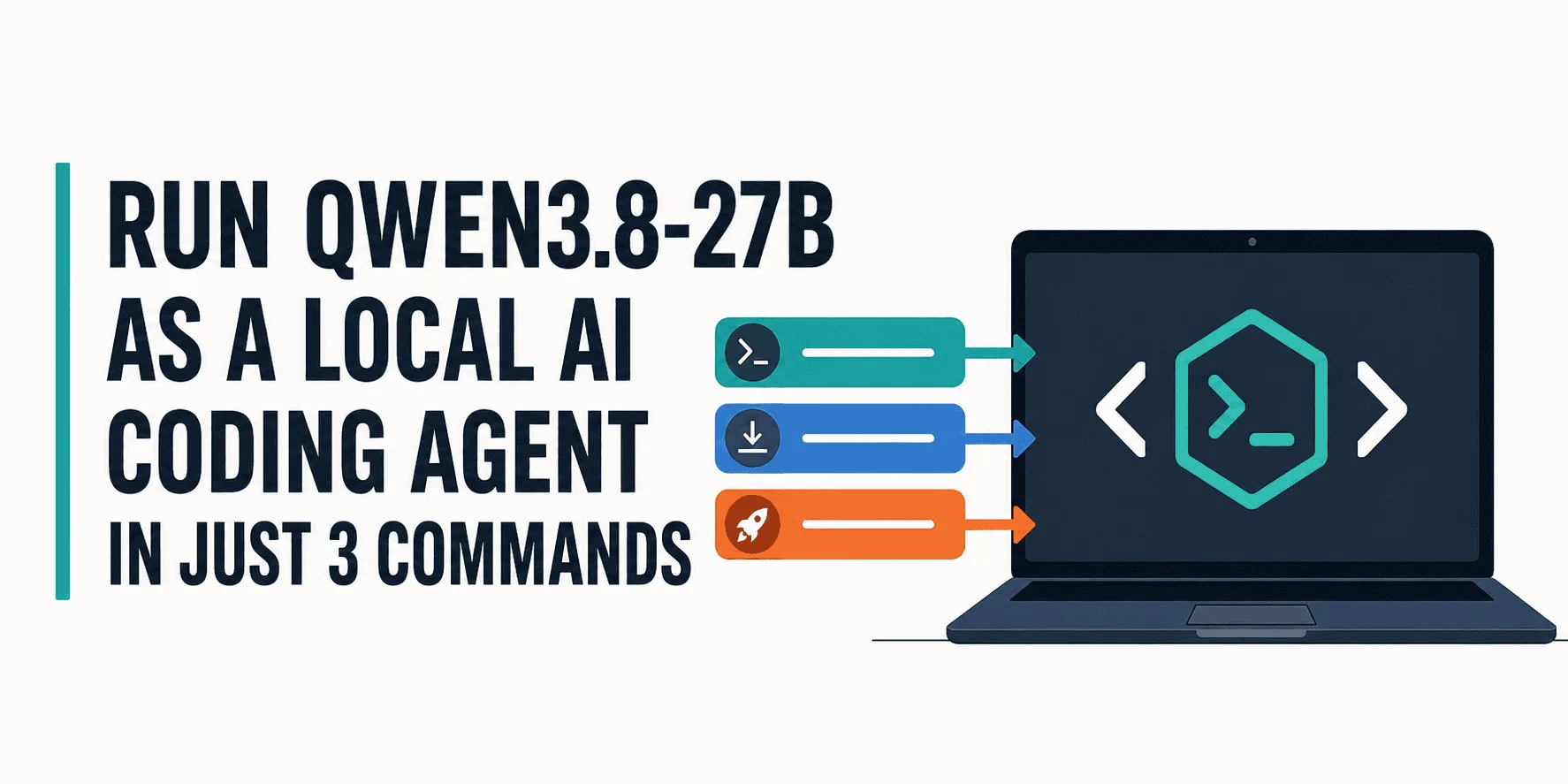
Setting up a local AI coding agent with a powerful 27B model used to involve intricate configurations and technical headaches. But with the introduction of Qwen3.8-27B and tools like Ollama and OpenCode, that challenge is now a matter of executing just three commands in your terminal.
Among local AI models, Qwen3.8-27B stands out due to its exceptional capabilities in programming, reasoning, and executing complex tasks. This makes it a prime candidate for tackling extensive codebases and intricate software projects. Its design emphasizes efficiency and accessibility, making it appealing not just for seasoned developers but also for beginners eager to explore AI programming capabilities.
Pre-requisites: Ensuring Hardware Compatibility
Before diving into the installation, it’s essential to confirm that your hardware meets the necessary specifications to support Qwen3.8-27B. This is particularly vital because failing to do so can lead to frustrating errors or subpar performance.
On systems running Linux or Windows with NVIDIA graphics, check your GPU using this command:
nvidia-smiThis command provides important information about your graphics card, which is essential for running heavy models like Qwen3.8-27B.
In this guide, an RTX 3090 with 24 GB of VRAM is utilized. The Qwen3.8-27B model requires approximately 18 GB, allowing it to reside entirely in VRAM while maintaining capacity for runtime functions. Think about it: if you're using less powerful hardware, the experience could be less than ideal.
If your GPU's VRAM is insufficient, Ollama's configuration can distribute the model across both GPU and system RAM. While functional, this may slow down processing speeds significantly. A recommendation would be to have at least 32 GB of system RAM available for optimal performance.
Execute the Setup in Three Simple Commands
Now that hardware readiness is assured, let’s proceed with installing Ollama, downloading Qwen3.8-27B, and getting it running through OpenCode with just three commands. This simplicity is striking, especially for newcomers to the AI space.
1. Install Ollama
Begin by installing Ollama, which serves the model locally and handles all the setup:
curl -fsSL https://ollama.com/install.sh | shThis step is straightforward. Just one line in your terminal, and you’re set to kick off the local AI experience.
2. Start Ollama and Download Qwen3.8-27B
Next, initiate the Ollama server and download the desired model:
ollama serve & ollama pull qwen3.8:27bKeep this terminal window open to monitor the server logs as the model starts running in the background. This monitoring is a good practice; it allows you to catch any issues early.
3. Launch Qwen3.8-27B in OpenCode
Open a new terminal window to launch OpenCode with the Qwen3.8-27B model already set:
ollama launch opencode --model qwen3.8:27bIf OpenCode isn’t installed, Ollama will prompt you for the installation before proceeding. When complete, the OpenCode TUI will appear with Qwen3.8-27B ready for operation. This interface is designed to be user-friendly, presenting coding tasks in a clear manner.
You can immediately assign a coding task to the AI. For instance, I requested it to create a simple Python application, which took a bit longer on the first go as Ollama was loading the model into memory. Subsequent requests exhibited impressive response speeds. And that’s the part most people overlook: initial load times can be deceiving.
This initial task resulted in the AI crafting the application, running tests, and generating an extensive project summary—all under two minutes. An impressive feat, highlighting the model's efficiency in delivering quality results rapidly.
Concluding Insights
For users who prefer a more hands-on approach, alternatives like llama.cpp offer intricate control over model behaviors and performance settings. While this flexibility appeals to some, it can also be overwhelming for those who aren't keen on getting into the nitty-gritty. This guide caters to those looking for a straightforward setup without the need to delve into complex configurations.
In just three simple commands, you can transform your system into a fully operational local AI coding agent, making advanced AI capabilities readily accessible within minutes. The implications for developers, educators, and even hobbyists are significant. If you're working in this space, the ease of setup could mean expedited project timelines and faster prototyping.
Future Outlook and Implications
The simplicity brought forth by models like Qwen3.8-27B signals a shift in the AI ecosystem. The potential for democratizing access to advanced AI tools can't be overstated. While there's always a risk of oversimplification leading to a lack of understanding, the benefits of making such powerful tools available to a wider audience are immense. As these technologies mature, we could see communities formed around local AI development, fostering collaboration and shared learning.
Moreover, as these local models become increasingly capable, organizations might reconsider reliance on cloud solutions. What this means for you is a real potential for reduced costs and greater control over data privacy. In a world where data breaches loom large, this aspect shouldn't be overlooked.
Abid Ali Awan (@1abidaliawan) is a skilled data scientist focusing on building machine learning models and sharing insights through technical writing.
Discussion
Sign in to join the discussion.