Google's Pixel Journal update introduces AI-driven auto formatting, sleep data integration, reminders, and interface enhancements for improved journaling.
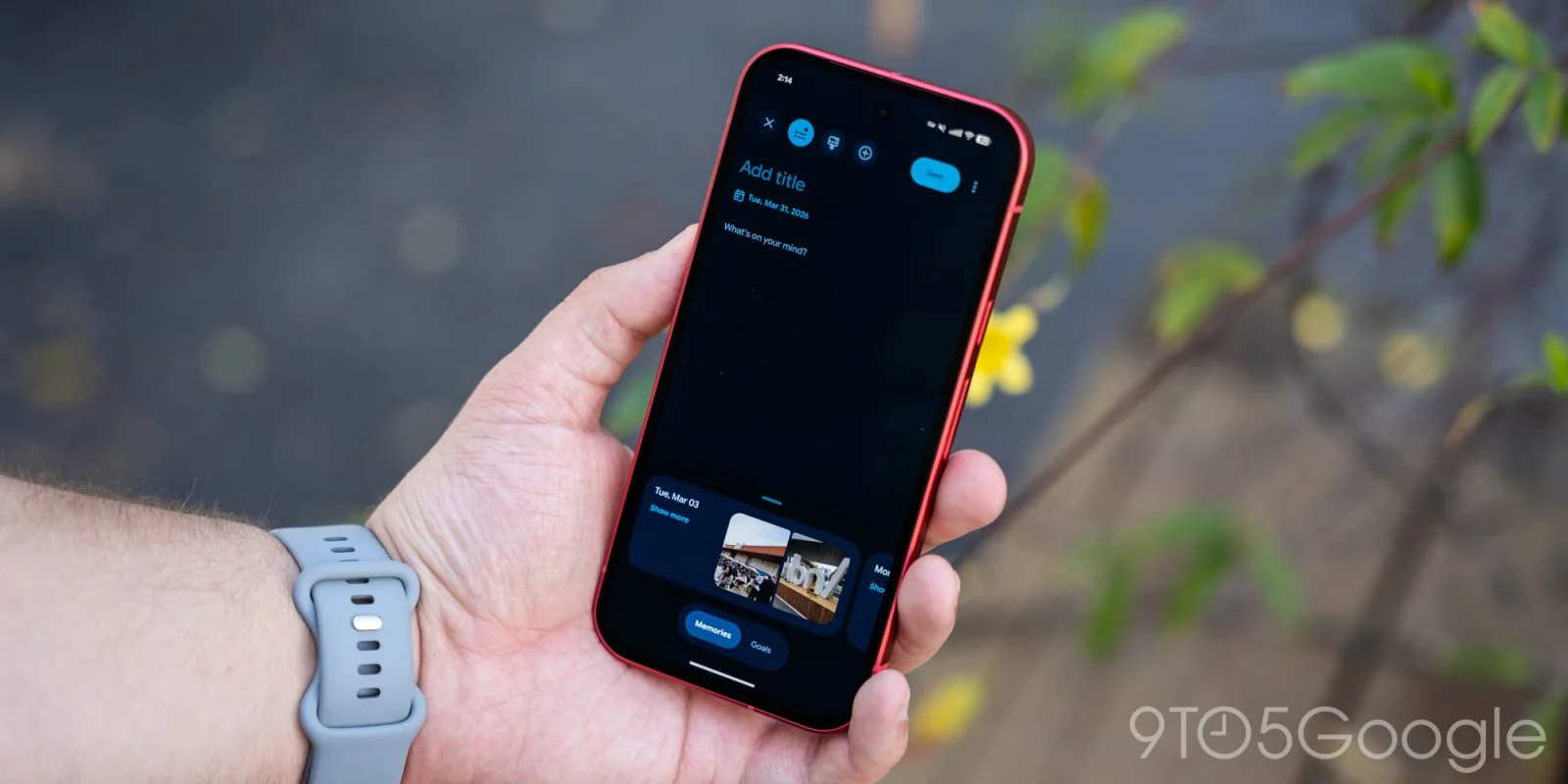
Key Enhancements in Pixel Journal
With the launch of the Pixel 11, Google is delivering notable enhancements to the Pixel Journal app, which are also rolling out to earlier models. The Pixel Journal app has evolved significantly since its inception as a simple digital workspace for users looking to jot down their thoughts or track personal milestones. Google seems keen on expanding the functionality of this app, giving users tools not just for recording experiences but for gaining insights into their daily lives through integrated data and intuitive design.
New Features Overview
Update 8/20: The app has been updated to version 2026.07.27.x, bringing several new features aimed at optimizing user experience:
- Auto formatting for organized text entries
- Integration of sleep data through Health Connect
- Custom daily routine reminders
- Enhanced interactive live map search
These updates signal a trend toward creating a more personalized journaling experience. For example, the integration of sleep data reflects a growing recognition that our daily routines and mental health are interconnected. To activate sleep data, users need to navigate to the app's settings at App info > Permissions > Health, fitness, and wellness, and toggle on the "Sleep" option. This streamlined process allows for a frictionless incorporation of health metrics directly into the journaling experience, helping users better understand their habits and emotional states.
Improved User Interface
The interface sees refinements as well, including a revamped Inspiration bottom sheet that boasts a new icon and features a "Refresh" button alongside a clear "Close" option. A new Customization tab helps users manage their media layout preferences, offering options for both Compact and Full views. If you're working in this space, these UI adjustments aren't just cosmetic; they reflect broader trends in mobile application design that prioritize user engagement and ease of use. User experience design has evolved from simple functionality to an expectation of delightful interaction, and Google seems to grasp this shift.
Auto Formatting Feature
A significant addition is the new auto formatting capability, which allows journal entries to be styled in either simple or expressive modes. This feature utilizes Google's Private AI Compute, processing tasks in the cloud while maintaining robust privacy protocols. By offering different formatting options, Google caters to various user preferences, enhancing creativity or expedience based on what users want at any given moment. Other Pixel applications have begun tapping into this cloud-based AI capability, suggesting an ongoing push to harness AI for enhancing usability. However, questions about data security and privacy remain high on the list of user concerns, especially when employing cloud-based solutions. That said, the dual processing environment allows users to balance efficiency with security.
Privacy and Control
What's crucial here is that Pixel Journal operates within a secure environment—both on-device and in the cloud—guaranteeing user data privacy while benefiting from AI functionality. Google has gone to great lengths to assure users that their data is managed securely, yet skepticism remains. Users have the flexibility to disable AI features through the app's settings, a welcome option for those wary of automatic data processing. The transparency around data usage is essential for fostering trust. In an age where data privacy scandals are frequent, how companies handle user data profoundly influences purchasing and usage habits. Can Google build a business case that justifies this trust? Only time will tell.
Journaling Reminders
The app can now send reminders for journaling at designated times:
- Morning around 7 AM
- Afternoon at about 2 PM
- Evening around 9 PM
These scheduled nudges are an interesting shift in behavior design, nudging users toward a habit of reflection. While subjects vary, making journaling a part of one’s routine can serve as a powerful mental health tool. Additionally, Google has refined the dark theme for the Entries tab for improved visibility and has made visual adjustments to the Insights tab calendar. Enhancements in both aesthetics and functionality suggest a user-centric approach, acknowledging that the user interface can significantly affect engagement levels.
Current Status and Future Outlook
Current users can find version 2026.07.27.x on their devices, although it is still in the gradual rollout phase. This staggered deployment often leaves some early adopters in the lurch, wondering when they’ll get the latest features. This rollout strategy may work to ensure a smoother experience, but if you’re among the impatient, it can be infuriating. The updates aim to position Pixel Journal not just as a note-taking tool but as a holistic digital companion for everyday life.
The implications of these updates extend beyond mere functionality. In a market saturated with productivity apps, making a case for user engagement isn’t just about features; it's about effective information management and emotional well-being. As mental health grows in importance and as users actively seek ways to track and improve their emotional states, applications like Pixel Journal are likely to find a more permanent seat at the user’s digital table. What this means for you, especially if you’re a developer or product manager, is clear: the focus on personal data, intertwining features, and user engagement will drive future application success.
Discussion
Sign in to join the discussion.