Pixel 11 adds a battery focused Charge screen saver, customizable clocks and edge swipe switching between saved styles.
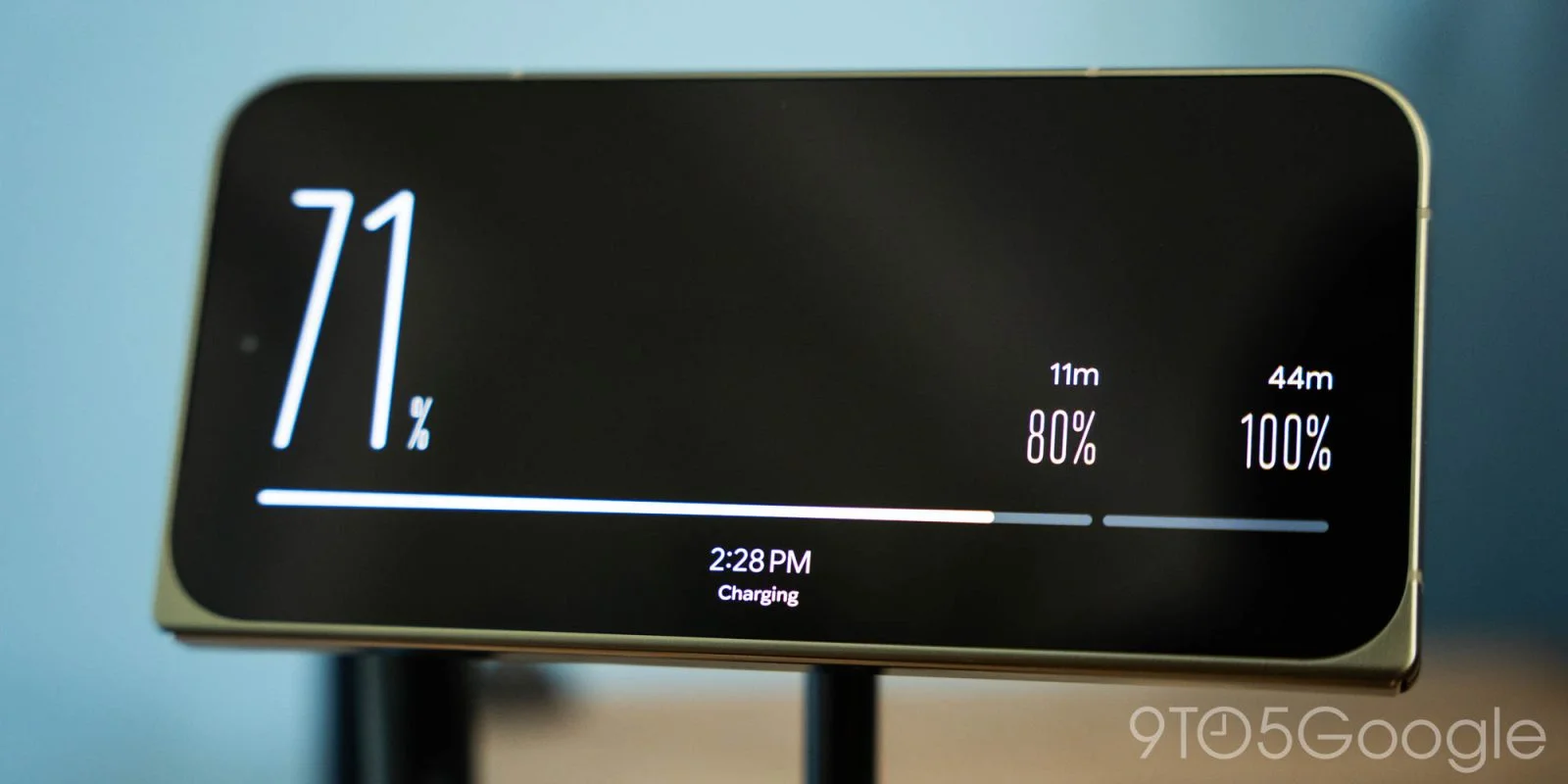
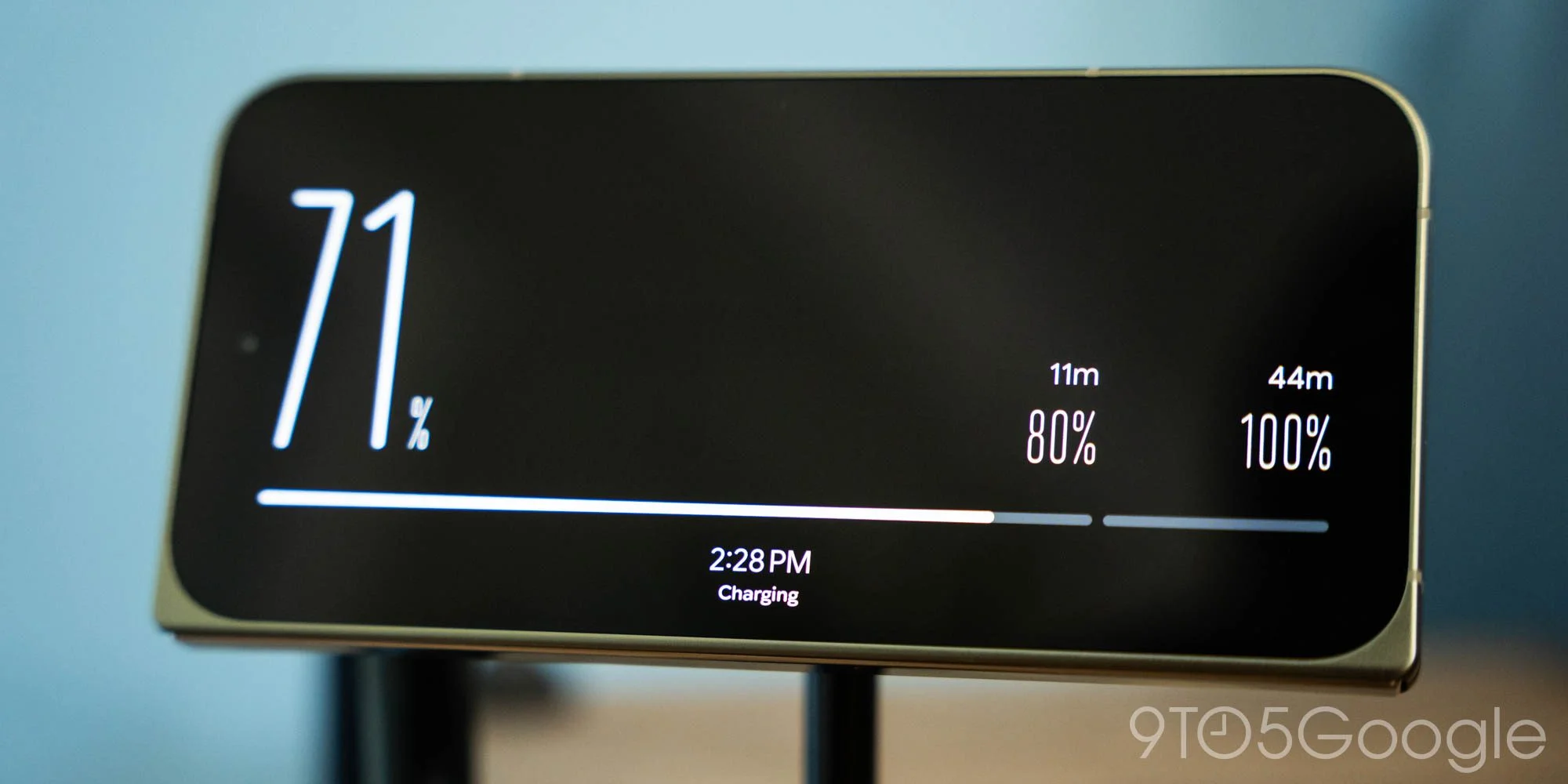
Pixel 11’s screen savers now do more than decorate a charging phone. Google has added a battery status view, expanded clock customization and made it possible to cycle through multiple saved designs. The additions give the idle display a more practical role: you can check charging progress or change the look without picking up the phone. They aren’t enabled by default, though, so owners will need to set them up before they become part of the routine.
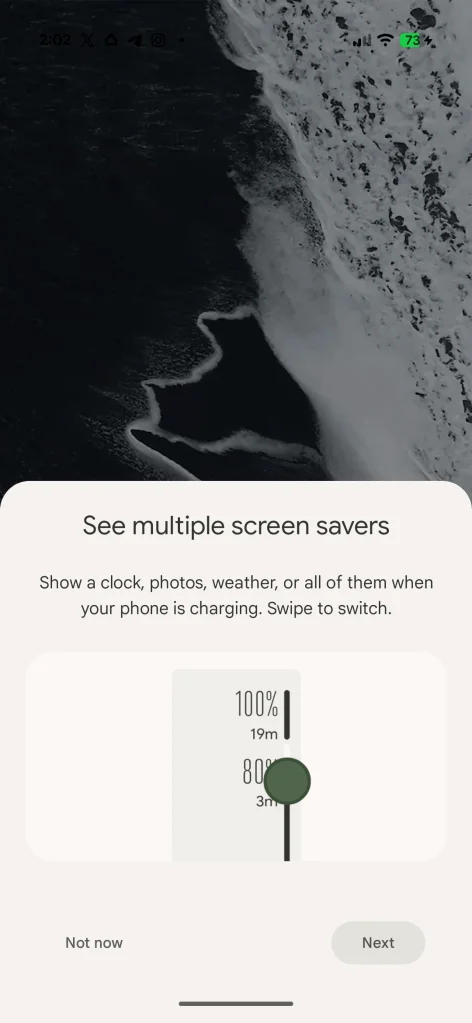
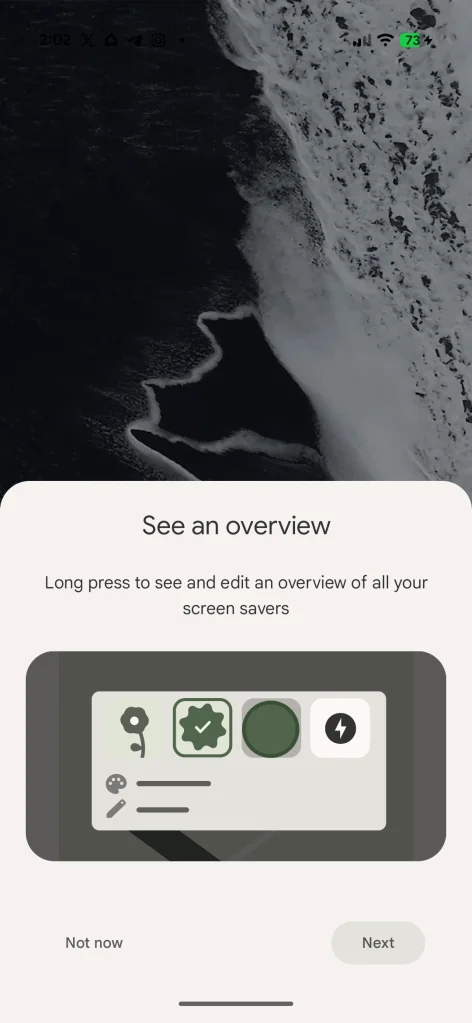
Switch between saved screen savers
Pixel 11 owners can select multiple screen savers and move between them with an inward swipe from the display’s edge. That turns the feature from a single standby design into a small collection of views, letting users choose between visual variety and a screen focused on information. Apple’s StandBy mode also lets users switch views, but uses a direct swipe instead. The distinction sounds minor, yet it matters when a feature depends on a gesture users have to remember and perform while the phone is sitting on a charger.
Google’s gesture follows the Android back gesture, which can make it awkward on the Pixel Fold, where the fingerprint sensor sits on the side. If you’re working in this space, the lesson is familiar: a gesture that feels natural on one form factor can become less clear when the hardware changes how people hold the device. The choice also creates some potential for accidental navigation, since the movement is already associated with going back in Android. A small convenience, with a real usability trade-off.
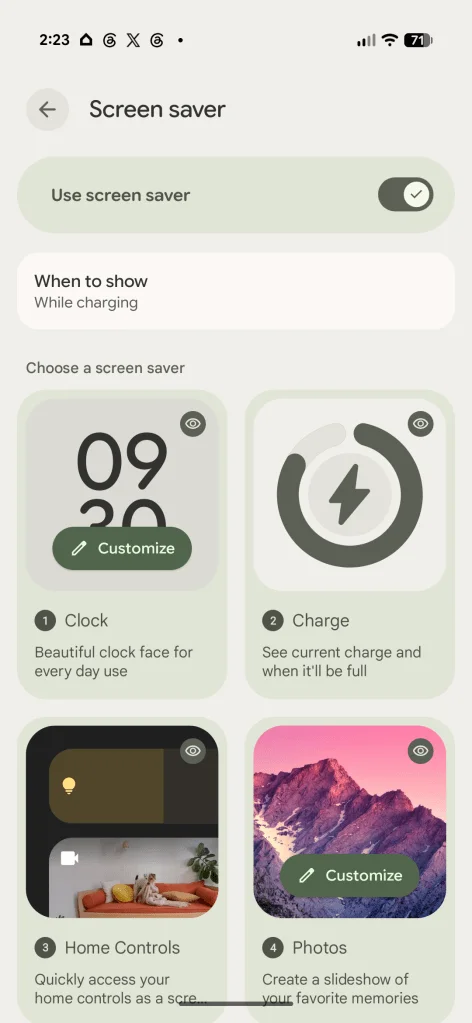
Charge view puts battery status front and center
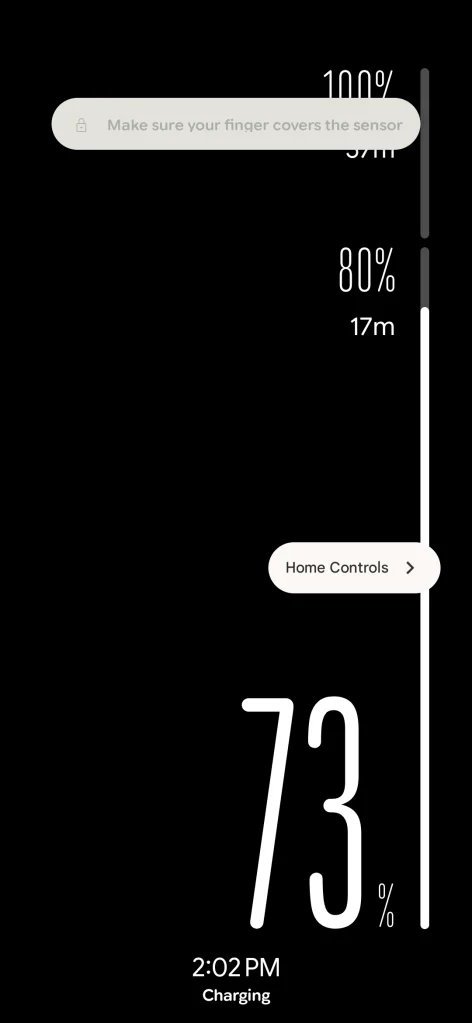
The new Charge style devotes most of the screen to the battery percentage, with the time placed along the bottom. A progress bar marks 80% and 100%, and includes estimated times for reaching each point. The 80% marker offers a useful reference because fast charging generally slows around that level. Rather than making you wake the phone and open a status panel, the screen saver surfaces the information while the device is already plugged in.
That estimate should be read as a guide, not a promise: charging speed can vary with conditions, and the source gives no detail about how Google calculates the displayed times. Here's the thing: battery information is most useful when it answers a practical question quickly—whether the phone is nearly ready or still needs time. A large percentage and clear milestones do that more directly than a decorative clock. The trade-off is visual simplicity, since the Charge design gives most of the available space to utility.
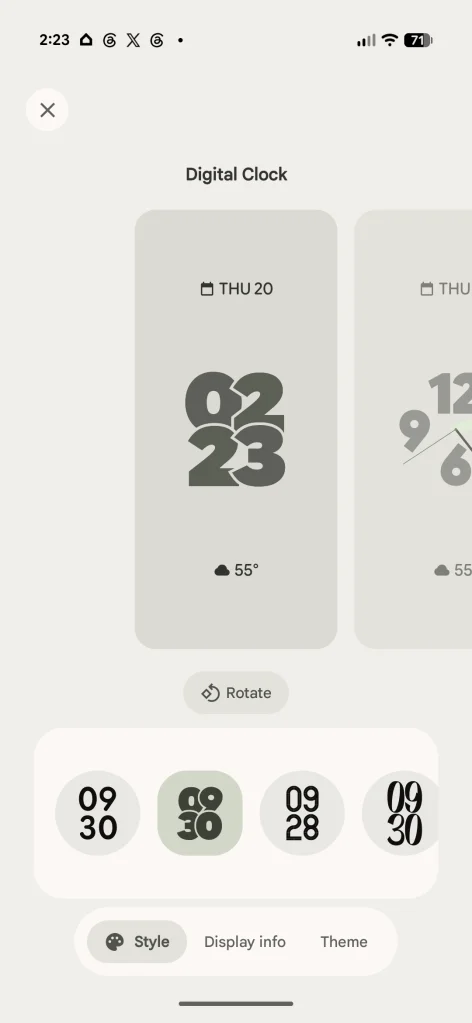
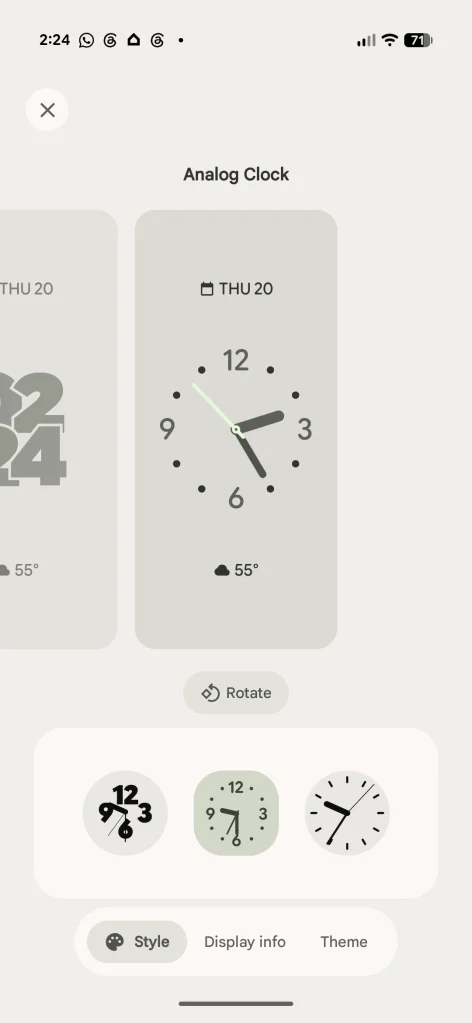
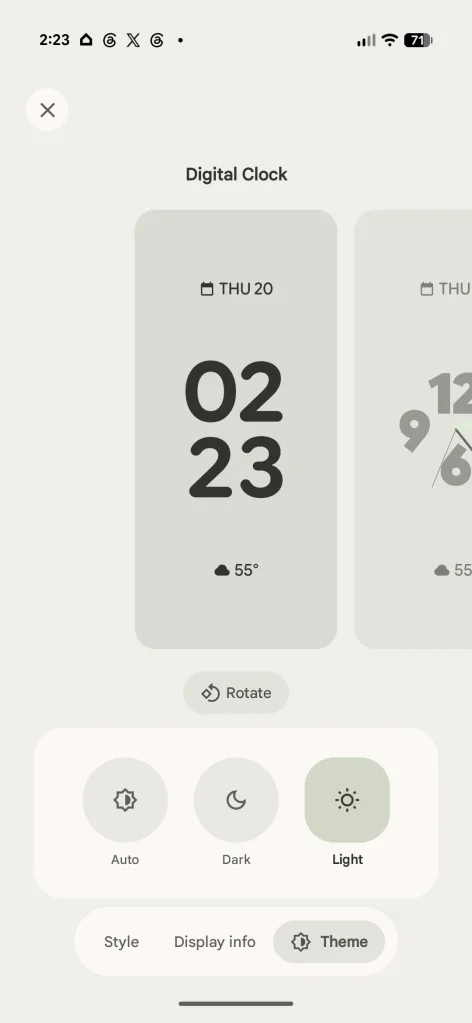
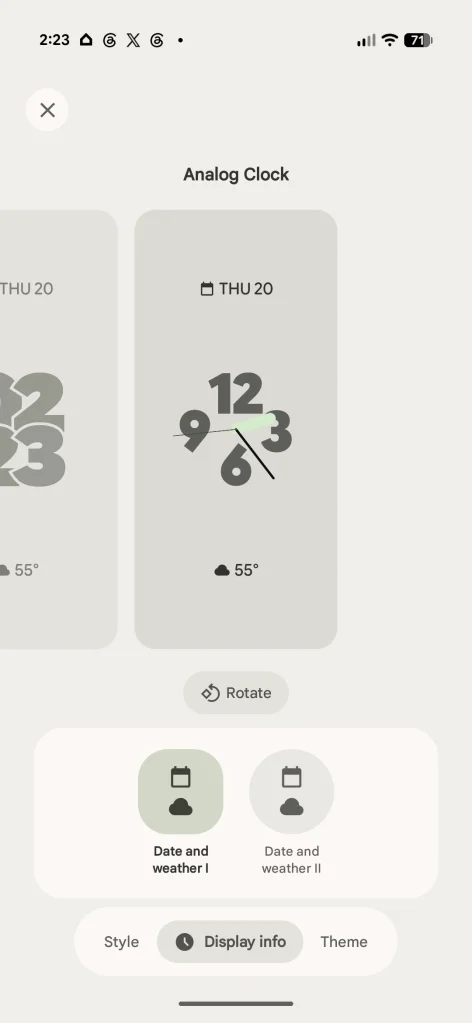
Google has also reworked the Clock screen saver. Digital and analog designs now sit within one customizable option, with styles drawing on the lock screen clocks introduced in Android 14. That brings a familiar design language into the idle view and means users can adjust the clock without treating each style as a separate screen saver. It’s a modest change, but it reduces the sense that these settings are a collection of unrelated modes.
Small changes, practical questions
These screen saver changes are available on Pixel 11 devices out of the box. Google may bring them to older Pixel models later, though it hasn't confirmed that rollout. That leaves owners of earlier phones with no clear answer about whether the updated feature will remain tied to the new generation.
This is more significant than it looks: an idle screen can become a useful status surface when it answers a question without demanding another tap. Yet the improvements depend on setup, the usefulness of charging estimates, and a gesture that may not feel equally natural on every device. The Clock option adds personalization; the Charge option adds information. Neither changes what a screen saver is, but together they make the feature easier to justify beyond appearance.
And yet, these are incremental refinements, not a reason by themselves to upgrade a phone. The more revealing question is whether Google keeps building on the idea by making the idle display useful in more everyday situations. For now, Pixel 11 owners get a clearer charging view and more ways to tailor the clock. The direction makes sense; the unconfirmed support for older models remains the open question.
Discussion
Sign in to join the discussion.